For stockists
Ordering from a Carnet line sheet
Your supplier sent you a link. Here's what to expect.
No account, no app
Open the link on your phone or computer. That's it.
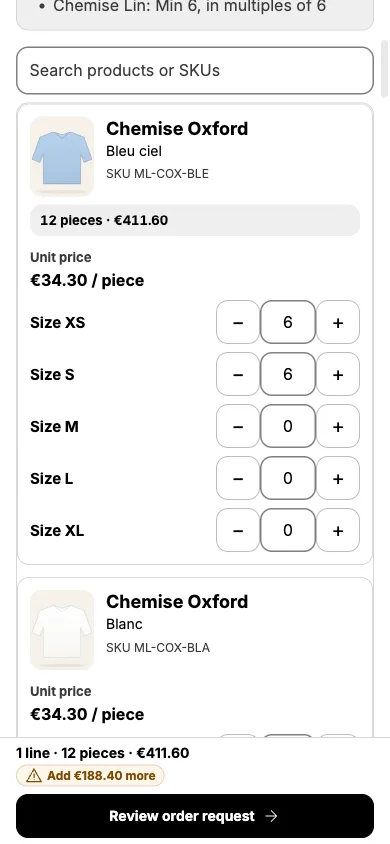
Your prices
The prices you see are the ones your supplier set for you, shown excluding VAT where they sell that way.
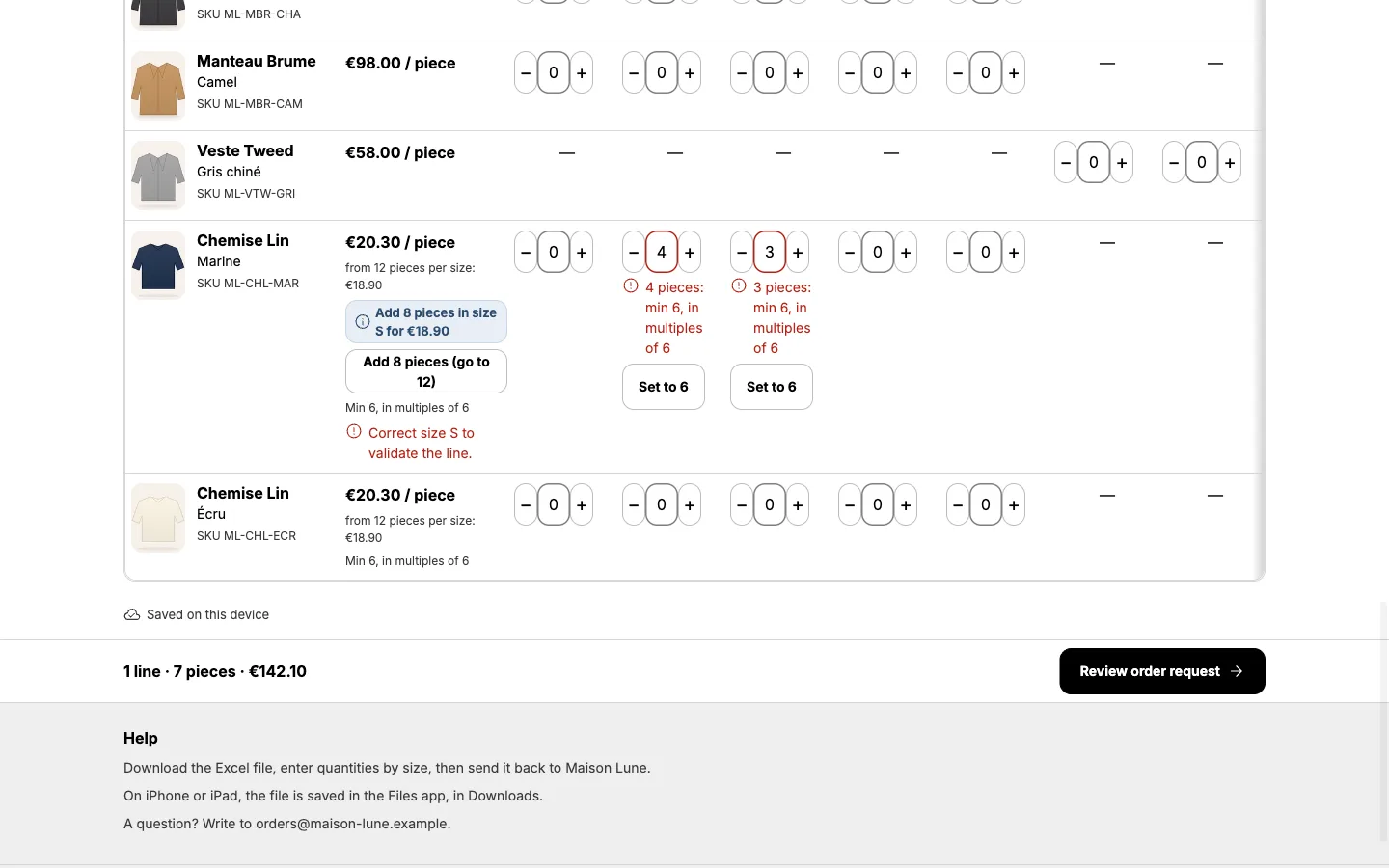
Pick by size
Use the size steppers or the size table. The order minimum is shown as you go. Your selection is saved on this device.
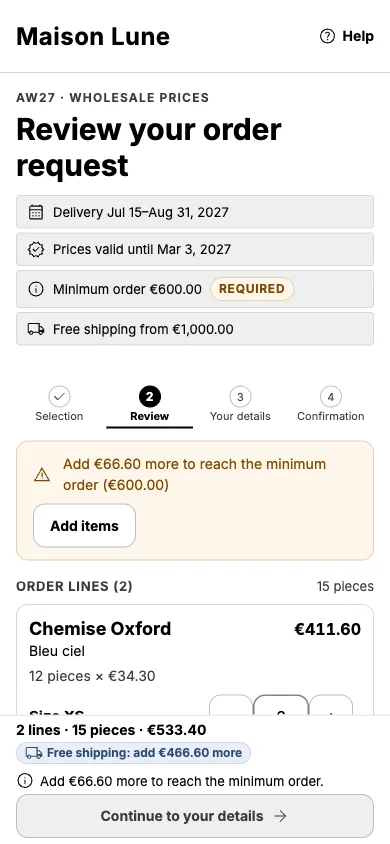
Review and send
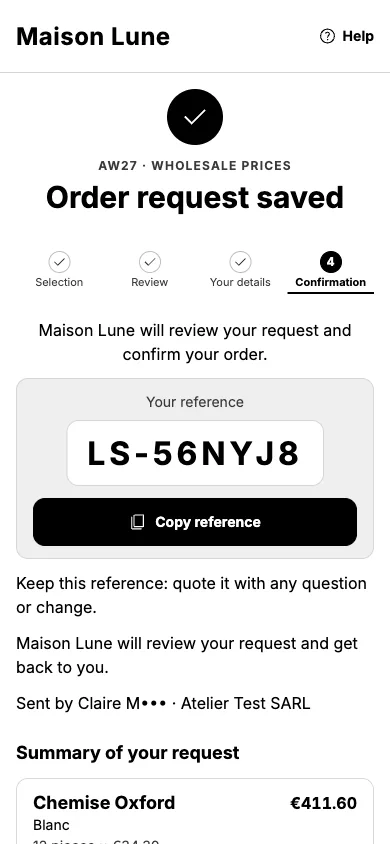
Add your details and send. You get a reference like LS-7K3Q and, for a stockist link, a recap email. The brand then confirms your order: sending is a request, not a confirmed sale.
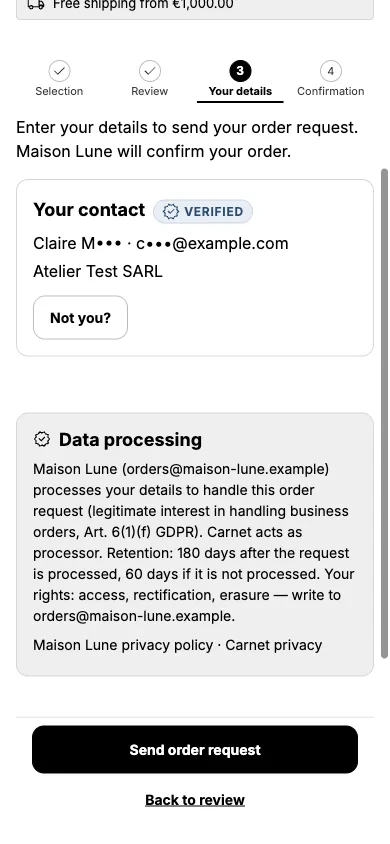
Print or Excel
Print the order form from your browser, or ask your supplier for the Excel order form.
Your data
The brand you order from is responsible for your details. Carnet processes them only for that brand, and deletes order details automatically: 180 days after processing, 60 days if never processed. To use your rights, write to the brand or to privacy@ordersheet.net.
Security & privacy →Do you sell wholesale too?
Send your own stockists a link like this one. Carnet turns your Shopify collections into line sheets they order from. A sample sheet is coming soon.