Guide
Order deadline, minimum order and price date
Five terms turn a price list into a line sheet a store can act on. Put them at the top, where the buyer sees them before choosing a single piece.
Which five terms should a line sheet state?
| Term | What it tells the store |
|---|---|
| Delivery window | When the goods ship, for example a month or a range of dates |
| Order deadline | The last day to order for that delivery |
| Price date | The date the prices are valid from |
| Minimum order | The smallest order you accept, in money, pieces or both |
| Free-shipping threshold | The order value above which you cover delivery |
How should I set a minimum order?
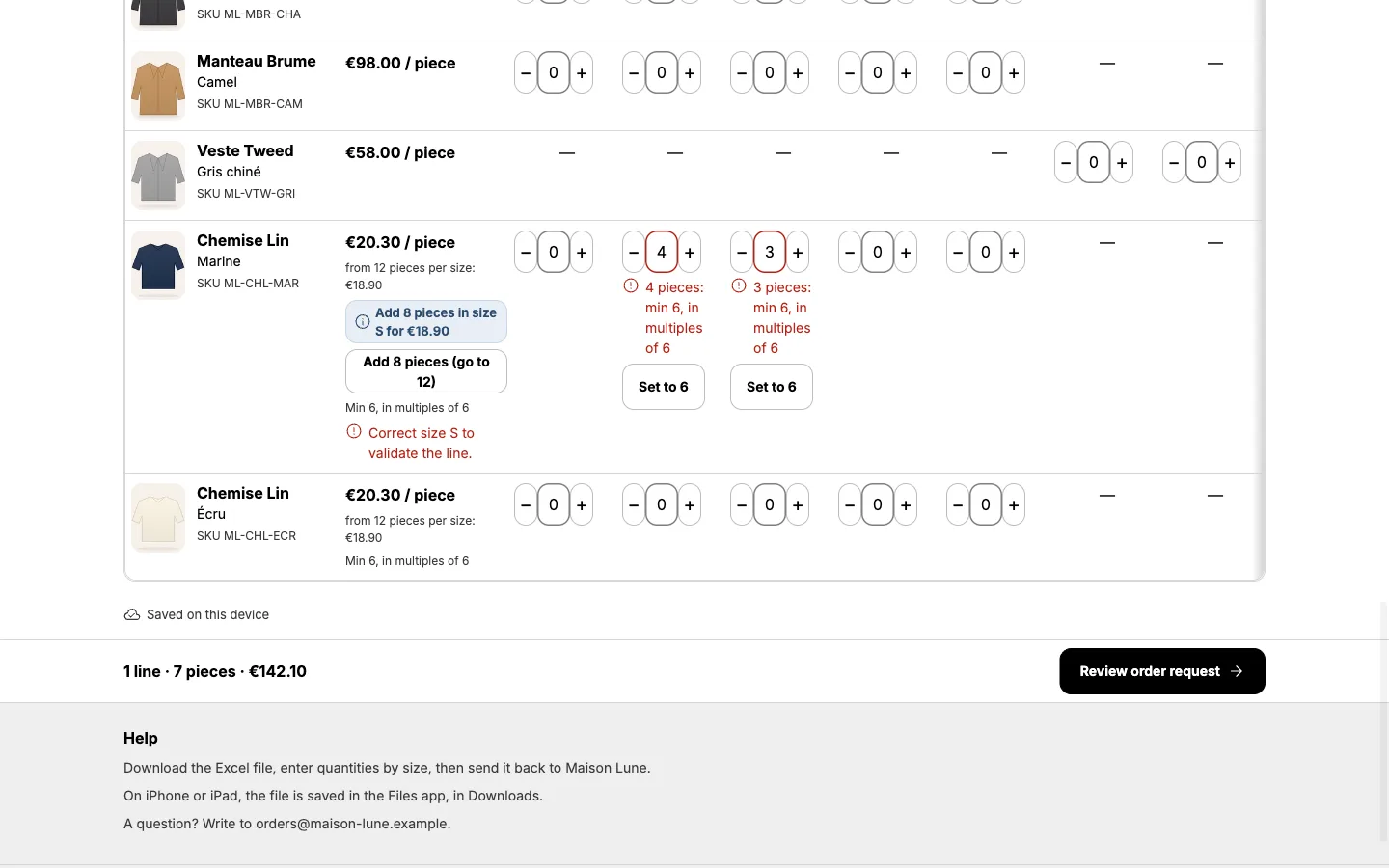
Pick the number that makes a small order worth fulfilling and say whether it is an amount or a number of pieces. Show it as the buyer adds items, so they can see how far they are from it. A Carnet buyer page shows the minimum order and the free-shipping threshold as the buyer chooses quantities.
Why add a price date?
A price date makes a stale sheet obvious. If prices change, refresh them from Shopify and update the date.
How do I set these in Carnet?
Set the terms when you create the sheet. See how to create a wholesale line sheet in Shopify. For next season, duplicate the sheet and update the dates.
Frequently asked questions
Is the order deadline enforced?
It is shown to the buyer as part of your terms on the page.
Can I reuse the terms next season?
Yes. Duplicate the sheet and update the dates.