Guide
Price tiers vs company prices
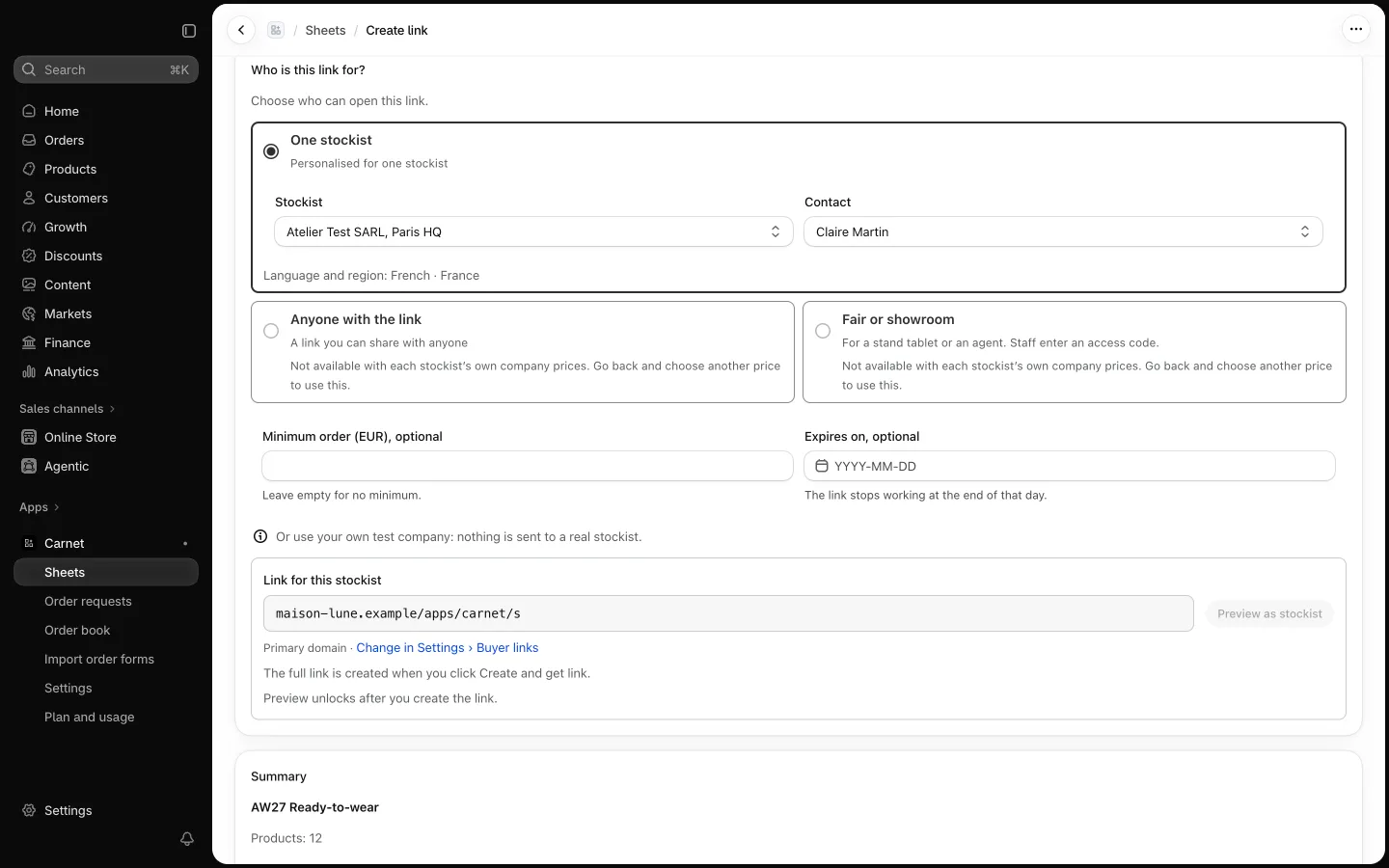
A Carnet link shows one price source. Choose it per link, so each stockist sees the wholesale price you agreed with them.
What are the four price choices?
| Choice | What the stockist sees | Use it when |
|---|---|---|
| Their own company prices | The prices of their Shopify B2B company | The stockist is a company in Shopify B2B (links for one stockist only) |
| A price tier | One of your Shopify price lists | Several stockists share a price list; recommended if your shop uses B2B |
| Retail minus a % | Retail price minus a whole number from 1 to 90 | Your shop does not use B2B; this is the default then |
| Retail | Your store's standard prices | You want to show standard prices |
What do company prices need?
Company prices come from Shopify B2B, so the stockist must be a company in your store. Without B2B companies, use a price tier, a percentage off retail, or retail. Links for anyone work on any store.
What if prices change in Shopify?
Prices are synced from Shopify. When you change them, use Refresh prices on the sheet to update what buyers see, and set a price date so a stockist can tell how recent the sheet is.
Where next?
Follow the step-by-step guide to set wholesale prices: company prices and price tiers, or read how wholesale ordering with or without Shopify B2B works.
Frequently asked questions
Can two stockists see different prices on the same sheet?
Yes. The price is chosen per link, so each stockist's link can use a different company's prices, tier or percentage.
Is the percentage off retail limited?
Yes. It is a whole number from 1 to 90.