Short answer
Choose per link: the stockist's Shopify B2B company prices, a price tier, retail minus a percentage, or retail.
Before you start
Company prices come from Shopify B2B. Without B2B companies in your store, use a price tier, a percentage off retail, or retail.
Steps: set wholesale prices: company prices and price tiers
- When you create a link, the question is What price does this stockist see?
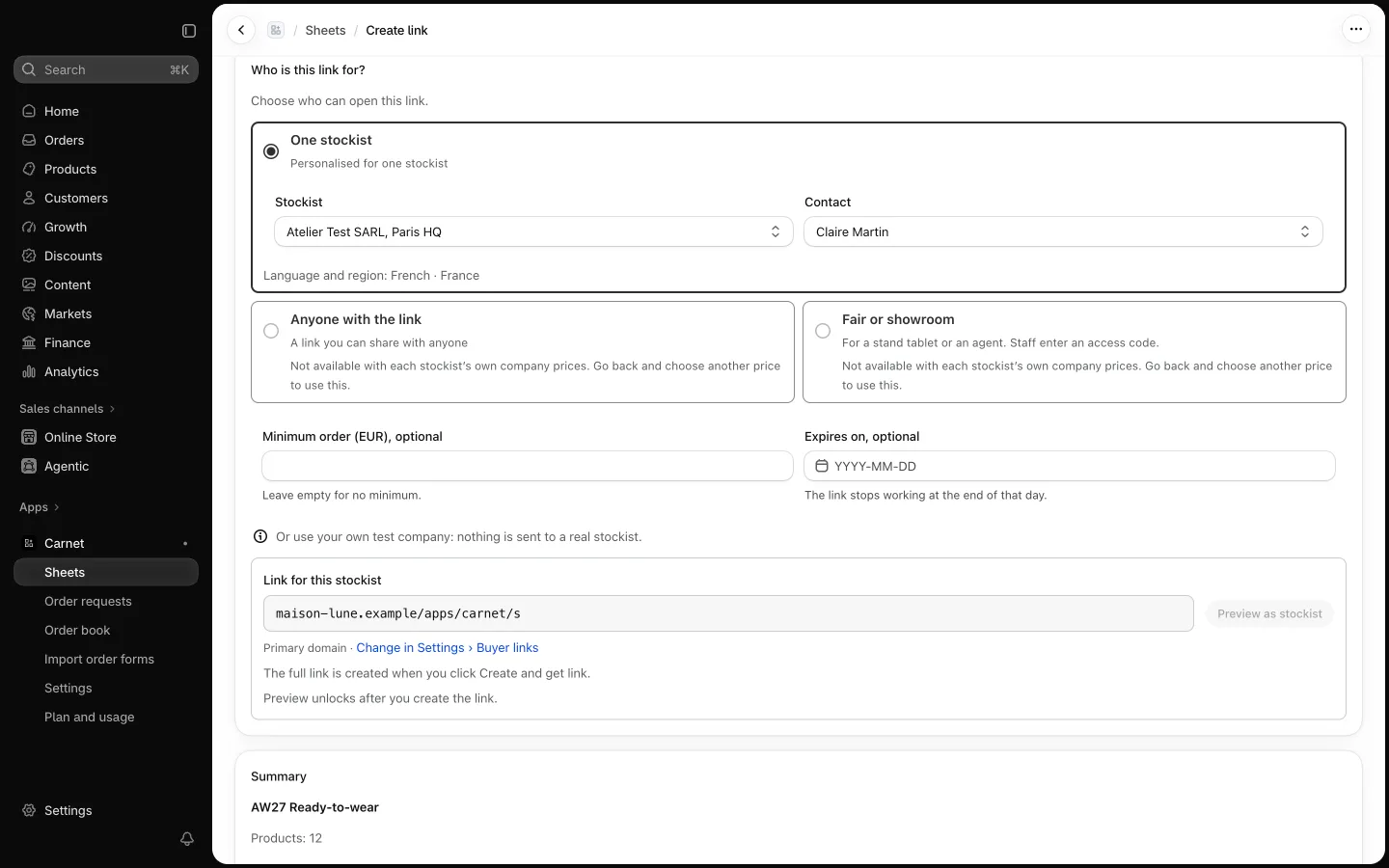
- Their own company prices: the stockist sees the prices of their Shopify B2B company. This choice is for one stockist links only.
- A price tier: one of your Shopify price lists. Recommended if your shop uses B2B.
- Retail minus a %: enter a whole number from 1 to 90. This is the default if your shop doesn't use B2B.
- Retail: your store's standard prices.
- Prices change in Shopify? Use Refresh prices on the sheet to update what buyers see.